Set up your workspace
The boilerplate repository (opens in a new tab) is the starting point for this guide. It includes:
- the full suite of Remarkable Pro components, our production-ready component library.
- a set of sample data models for you to play with.
Use Our Command Line Tool
Embeddable provides a command-line tool to automate the process of setting up your workspace, building your code bundle, and pushing it to your workspace. This is the recommended way to set up your workspace, as it ensures you have the latest versions of our tools and libraries.
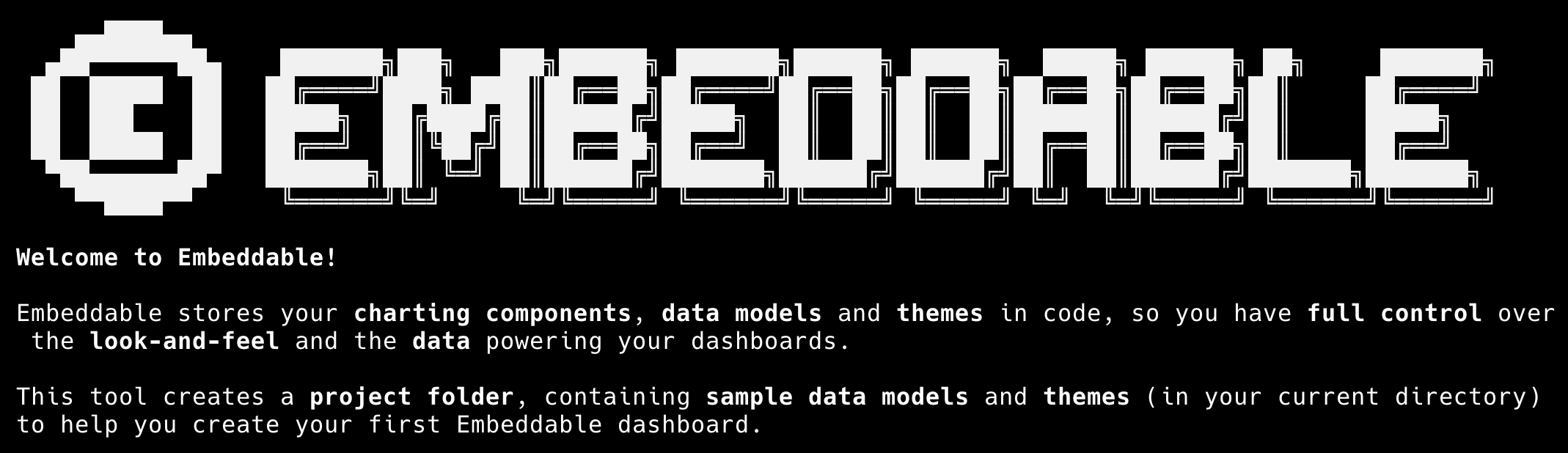
To set up your workspace using the command-line tool, simply run the following command in your terminal:
npx @embeddable.com/initNote: You'll need Node.js version 22 or later installed on your machine to use the command-line tool. If you don't have Node.js installed, you can download it from here (opens in a new tab).
Manual Setup
If you'd prefer to set up your workspace manually, you can follow the steps outlined below. This involves cloning our boilerplate repository, installing dependencies, configuring your region, and pushing the code bundle to your workspace.
Download our Boilerplate Repo
Clone our boilerplate repo to your machine using the git command:
git clone https://github.com/embeddable-hq/remarkable-pro-boilerplateor download the repo here (opens in a new tab).
Install Dependencies
Navigate into the cloned directory using your Terminal and install the required dependencies:
cd remarkable-pro-boilerplatenpm iIf you don't have npm, this means you need to install node first (here (opens in a new tab))
Set Your Region
Open the embeddable.config.ts (opens in a new tab) file in your code editor. Depending on your region, set either:
region: 'US',or
region: 'EU',If you're unsure which region you're using, learn more here or reach out to us.
Push the Code Bundle
Run the following command to login to your workspace:
npm run embeddable:loginNext, bundle the boilerplate repository, by running:
npm run embeddable:buildThen run the following to push the code bundle to your workspace:
npm run embeddable:pushThis uploads your data models (opens in a new tab) and components (opens in a new tab) to your team workspace so you can use them in the Embeddable platform to build a dashboard.
To learn more about the push command and its options, see Push Command.