Embeddable Docs
Embeddable is a developer toolkit for building fast, scalable customer-facing analytics experiences into your application.
Use it to build embedded dashboards, self-serve analytics, and AI-powered insights on top of the same governed, code-based foundation.
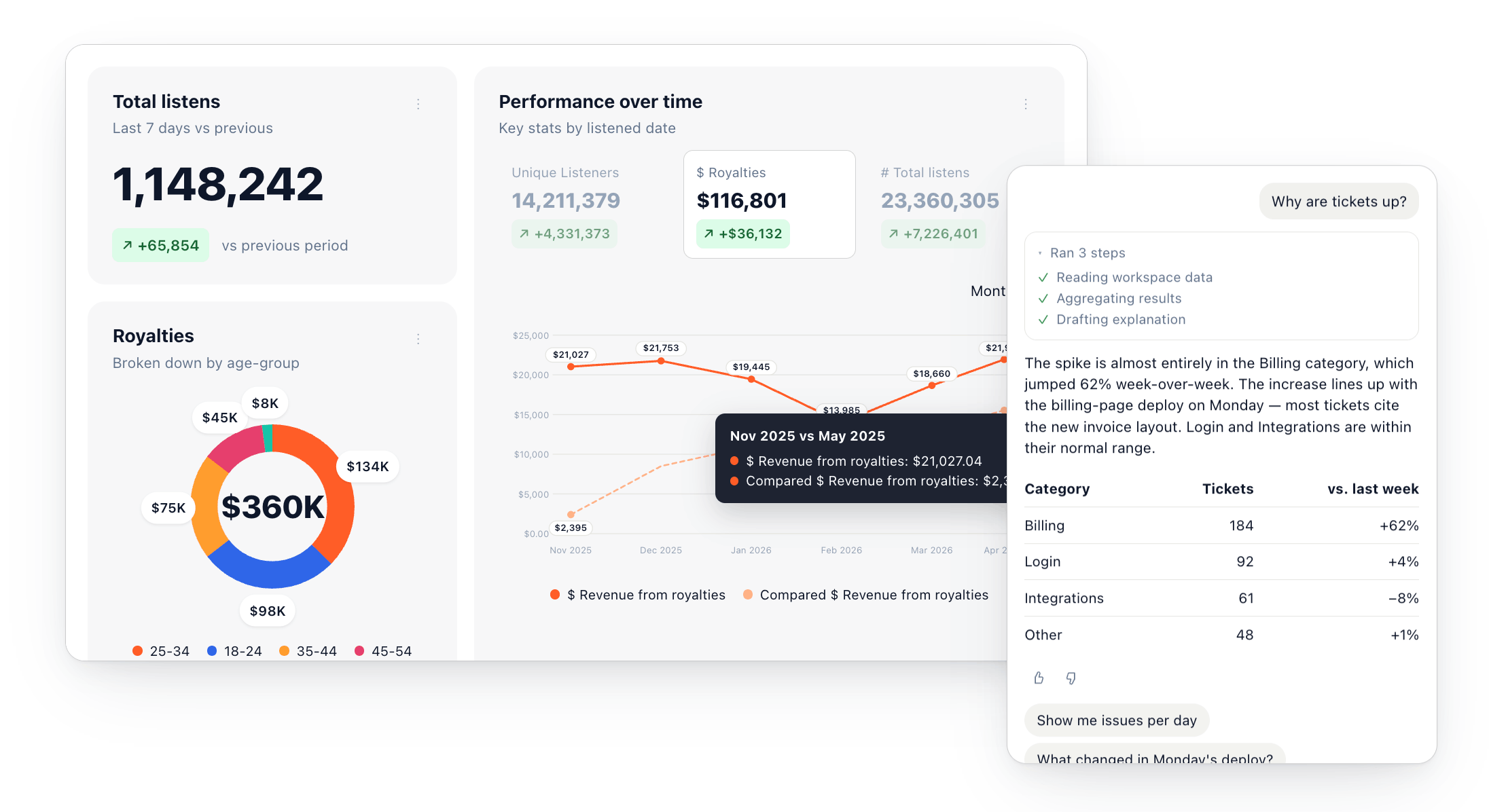
Engineers define components, data models, themes, and access policies in code. Your team can then assemble and publish native-feeling analytics experiences using the no-code builder or your existing development workflow.
Getting started with Embeddable
New here? Follow the Set up path top to bottom. Already building? Jump to a common task or reference below.
Most of what you'll build along the way — data models, components, dashboards, and themes — can also be generated by prompting an AI agent: Embeddable ships Claude skills for each, so setup is often a conversation rather than a coding project.
Set up
- Quickstart - clone the starter repo and connect it to Embeddable
- Explore your workspace - find your way around the platform
- Connect your data - point Embeddable at your database
- Data modeling 101 - define your metrics, dimensions, and joins
- Build your first dashboard - assemble your first dashboard
Common tasks
- Embed a dashboard - drop the web component into your app
- Row-level security - restrict rows per user
- Configure self-serve dashboards - let users explore and customise dashboards safely
- Add an AI chatbot - let users ask questions of their data in natural language
- Theme your dashboards - match your brand, by hand or with AI
- Set up an environment - e.g. staging
- Dashboards as code - define dashboards in your repo
- Build a custom component - write your own React components
Reference
- Tokens API - mint scoped, short-lived embed tokens
- Embeddables API - manage embeddables programmatically
- Versions API - manage deployments e.g. publish or roll back versions
- Schemas API - read your data model schema
How Embeddable works
Embeddable has four main parts.
1. Code-first foundation
Define reusable components (optionally starting with Embeddable's production-grade component suite), themes, and data models in your own repository. These are version-controlled, reviewable, and extendable by your developers or agents.
2. Governed semantic layer
Your data models are a semantic layer that centralises metrics, joins, dimensions, and access policies — so every dashboard and AI experience is built on the same trusted definitions as you scale.
3. Dashboards and AI experiences
Assemble interactive dashboards and AI experiences from your models and components using Embeddable’s no-code builder or in code in your repo. Your team can publish directly, or route changes through your existing engineering release process.
4. Native embedding
Embed dashboards using Embeddable's HTML web component and a server-side token. The token tells Embeddable what to load, who the user is, and which access policies to apply.
Architecture
At a high level, Embeddable separates what you define and publish at build time from what each end user is allowed to see at run time.
Build time
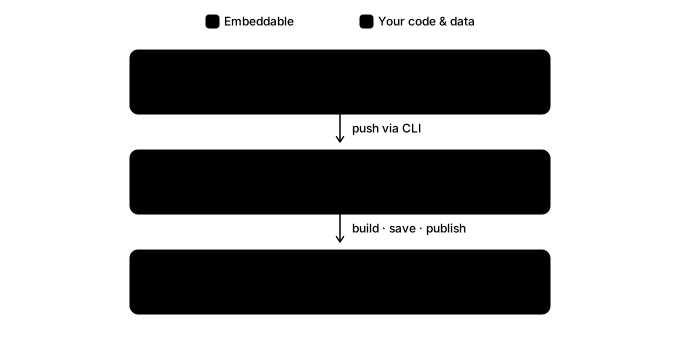
Your components, data models, and (optionally) dashboards live in your repo. Running npm run embeddable:push makes them available in your workspace, where you can manage everything in code, or build dashboards with the no-code builder. Either way, you publish a version, and that's what gets embedded.
Run time
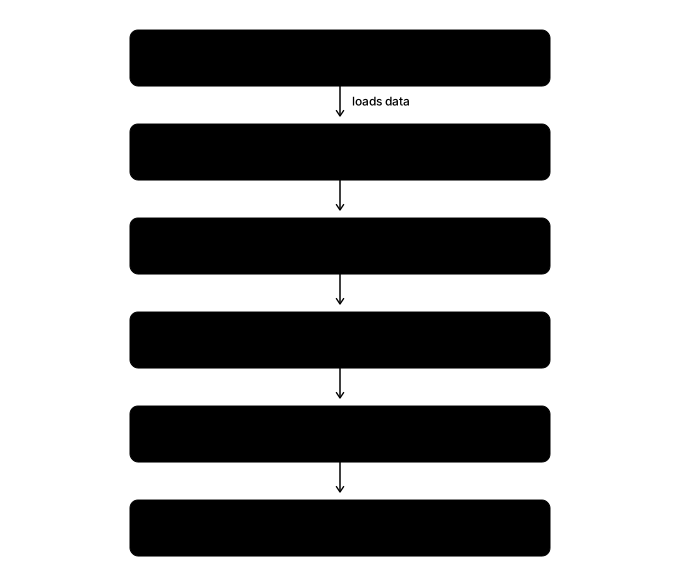
When an end-user loads a page, the web component loads its published dashboard, then fetches data through a pipeline that applies row-level security and caches results before reaching your database. Embeddable does not replicate your database - it queries it directly and can cache query results to improve performance.
You can set up multiple environments e.g. production, staging, or a per-tenant database connection. Your server-side token request (explained below) specifies which environment to use, so a single deployment can serve different customers from isolated databases, or point at staging data without touching production.
Securing the embed
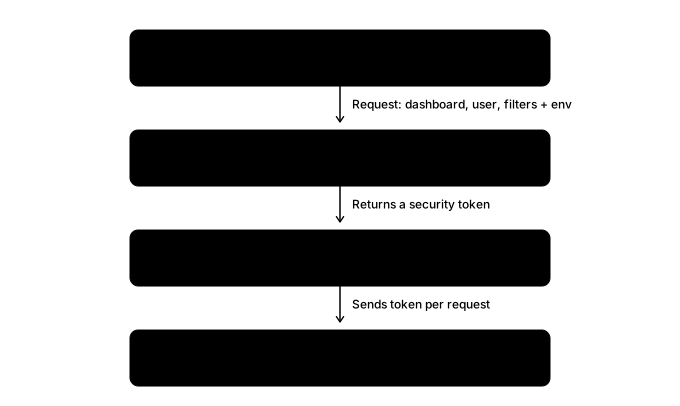
The component never holds your credentials. When a user opens a dashboard, your server calls the Tokens API server-side, so your API key stays secret, and receives a short-lived, scoped token.
The token tells Embeddable which dashboard and version to load, who the user is, which environment to query, and which filters, roles, and row-level security context to apply.
You embed the component as <em-beddable token="…" />. It sends the token with every request, so the runtime returns only the rows that token permits.