Custom Canvas
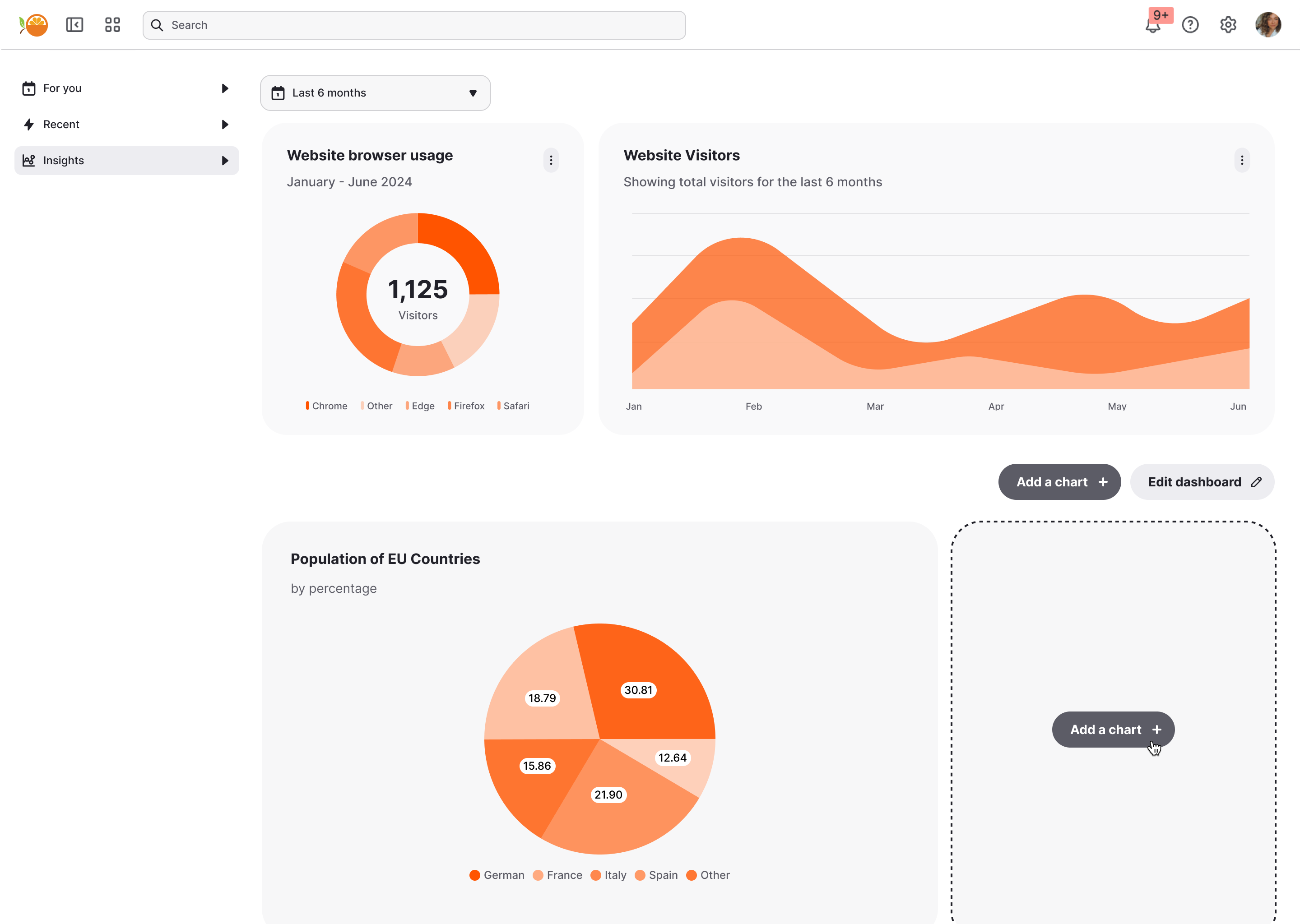
Custom Canvas lets your users go beyond static dashboards and create their own dashboards directly inside your product. You define the datasets, chart templates, and rules. They create, customize, and explore the data to assemble a self-serve custom canvas that fits their workflow, without ever leaving your application.
What can you build?
Common use cases of Custom Canvas include:
- Primary analytics dashboard that can be easily extended by your customers.
- “Create dashboard” button that lets customers build and save as many dashboards in your platform as they like.
- Team dashboards, shared across multiple users, where some have edit permissions and others are just viewers.
The value for your end-users
With Custom Canvas, your users don’t just consume dashboards—they create dashboards that fit them.
- Personalized insights, faster → Users build dashboards around the questions they care about, without waiting on engineering or analyst teams.
- Freedom within guardrails → You define the datasets, metrics, and chart types, while they explore and customize with confidence.
- Seamless, scalable experience → Dashboards live inside your app, feel native, and grow with users’ needs—from a quick chart to a full reporting hub.
By empowering your end-users to help themselves to exactly what they need, you save your own teams the time and effort of continuously building custom reports.
Embeddable also handles the rest:
- Row-level security so each end-user only sees the data they’re allowed to see (learn more).
- Theming, internationalisation, and timezone support so it feels like a native part of your platform.
- Dashboard state for every custom dashboard is automatically stored and restored when users return, so “it just works” as soon as it’s deployed (learn more).
In this section
👀End-user experience→
What your users see and do when they build their own dashboards.
🛠️Building it→
How you set up datasets, templates, and a starter canvas — in the builder or as code.
When you’re ready to ship, learn how to style Custom Canvas to match your brand and deploy it.